Online lobbies & friends guide
Dirtbound Multiplayer: Lobbies, Friends & Modes
Dirtbound multiplayer lets up to 8 players race together in either public rooms from the lobby list or private rooms shared via a 5-character code. Before entering any online lobby, you need to sign in with Google and pick a username between 2 and 20 characters long, then choose between pure racing in Classic mode or power-up circuit races in Experimental mode.
DirtBound is played online at its official home, dirtbound.fr; this site is an unofficial fan guide and does not run the game. Use the button at the bottom to head back to the main guide and launch link.
What multiplayer modes exist in Dirtbound and how do they differ?
DirtBound divides online play into two distinct lobbies. Classic focuses on customizable pure racing across stages and circuits, while Experimental adds item boxes and locks races to closed circuits with collisions enabled.
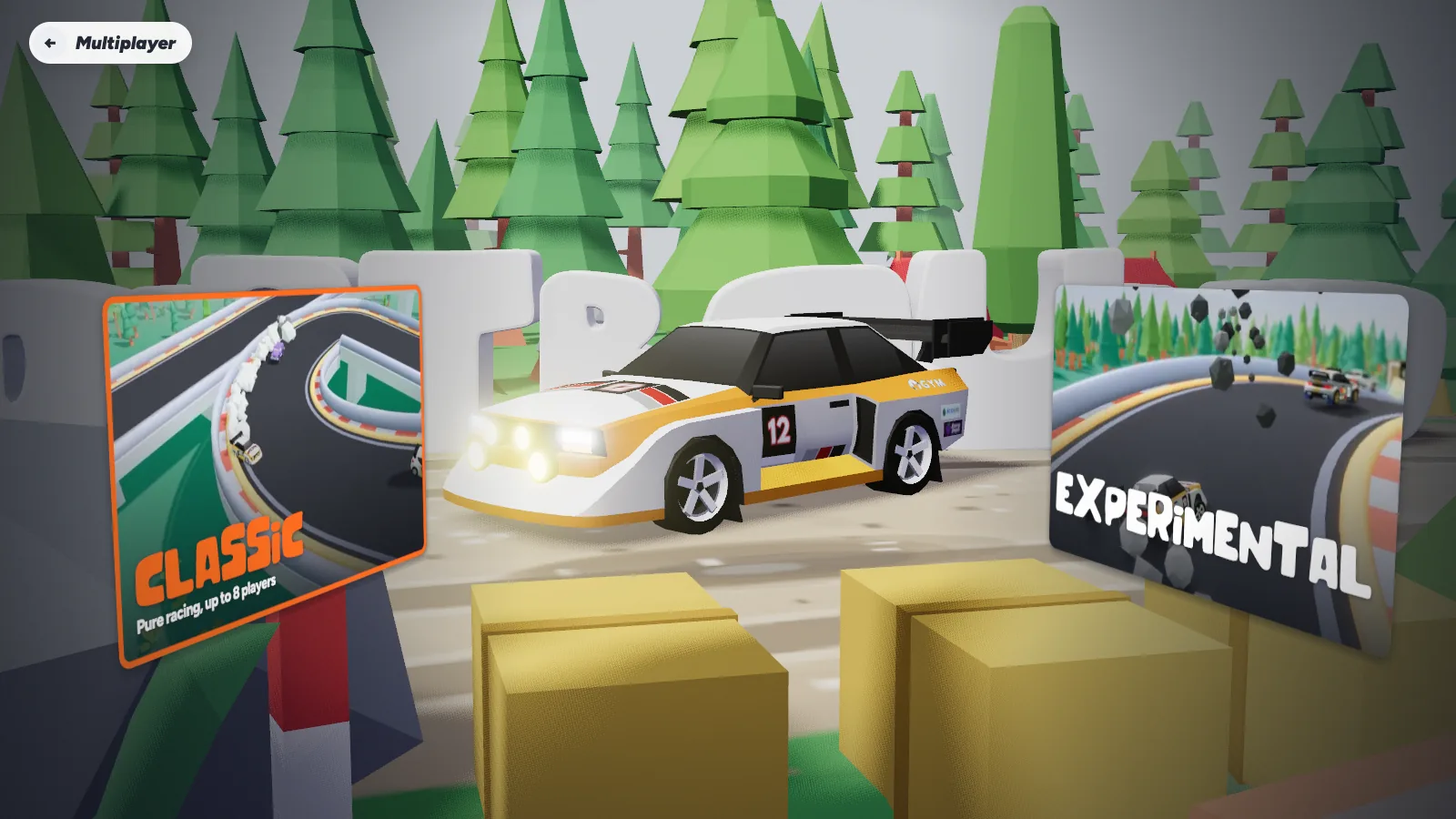
| Feature | Multiplayer: Classic | Multiplayer: Experimental |
|---|---|---|
| Track format | Vote between random stage, random circuit, or lobby player circuits | Circuit races |
| Player limit | Up to 8 players per lobby | Up to 8 players per lobby |
| Car collisions | Host chooses whether cars collide | Always turned on |
| Power-ups | None (pure racing) | Rockets, lightning, and turbo from "?" boxes |
| Host options | Laps, stage length, landscape, camera, collisions | Circuit item-box racing |
| Account needed | Google sign-in + 2 to 20 character username | Google sign-in + 2 to 20 character username |
Solo stages and solo circuits work without signing in, but joining lobbies, voting, and posting to leaderboards all require a Google account.
How do you play Dirtbound multiplayer with friends?
Setting up a private session with friends takes four steps once you open DirtBound in your browser.
-
Sign in with Google and choose a username
Online features require a Google sign-in. Once signed in, set a username between 2 and 20 characters long so other drivers in the lobby can identify you.
-
Pick public or private lobby access
Create a public lobby if you want anyone browsing the room list to join, or create a private lobby if you only want friends to enter.
-
Share the 5-character lobby code
A private lobby gives you a 5-character code. Send that code to your friends so they can join your exact room instead of looking through public lobbies.
-
Ready up to trigger track voting
At least 2 ready players are needed in the lobby before the room can start a vote for the next race.
What can a Dirtbound host customize and how does track voting work?
In Classic lobbies, the host controls the match rules while every ready driver gets a say in which road or track runs next.
Classic host settings
- Laps: set how many laps circuit races run.
- Stage length: choose how long generated point-to-point stages last.
- Landscape and camera: lock in the terrain style and camera setup for the room.
- Collisions: decide whether cars collide during the race.
How the lobby vote works
- Voting begins once at least 2 players in the lobby mark themselves ready.
- The ballot includes a random generated stage and a random circuit.
- It also includes custom circuits built and published in the Circuit Editor by players currently in the lobby.
Because Experimental mode enforces collisions on every circuit race, turning collisions off is only possible in Classic lobbies.
What power-ups are in Experimental multiplayer and how do you use them?
In Experimental lobbies, driving through "?" boxes grants one item from three families—Rocket, Lightning, or Turbo—each scaling across three levels. Trigger your held item with E or Enter on keyboard, or B / RB on a gamepad.
| Family | Level 1 | Level 2 | Level 3 |
|---|---|---|---|
| Rocket | Rocket — fires straight ahead | Homing rocket — goes for the driver ahead | Homing salvo — goes for every driver |
| Lightning | Spark — strikes straight ahead | Lightning — hits the top 2 | Storm — hits every driver |
| Turbo | Turbo — 3 seconds of boost | Shield turbo — 5 seconds, invincible | Rift — teleports you ahead |
Power-ups exist only in Experimental multiplayer and never appear in Solo Stage, Solo Circuit, Daily Challenge, or Classic lobbies.
Dirtbound multiplayer FAQ
How many players can join a Dirtbound multiplayer room?
Lobbies hold up to 8 players at a time in both Classic and Experimental multiplayer.
Do you need an account for Dirtbound multiplayer?
Yes. While solo stages and solo circuits require no login, multiplayer lobbies require signing in with Google and choosing a username of 2 to 20 characters.
How do you invite friends to a private Dirtbound lobby?
Create a private lobby and the game generates a 5-character code. Share that code with your friends so they can join your private room directly.
Can you turn collisions off when racing friends?
Yes, in Multiplayer: Classic. The host can choose whether cars collide, alongside laps, stage length, landscape, and camera. In Experimental mode, collisions are always on.
Can you play custom circuits with friends in multiplayer?
Yes. When at least 2 ready players start a vote in Classic multiplayer, the options include a random stage, a random circuit, and circuits created by players in that lobby.