Modes & progression guide
Dirtbound Game Modes: Every Mode & Where to Start
Dirtbound game modes cover solo driving (Solo: Stage and Solo: Circuit), a daily ranked challenge, two 8-player multiplayer modes (Classic and Experimental), and a full Circuit Editor alongside the Garage and Photo mode. Based strictly on the game's own mode rules, beginners are best off starting in Solo: Circuit with the ghost turned off or set to their own best, or in Solo: Stage, because neither requires signing in and both avoid online collisions and power-ups.
DirtBound runs in the browser on its official site, dirtbound.fr. This site is an unofficial fan guide with no embedded game; use the button below to return to the homepage play link.
What are all the Dirtbound game modes and tools?
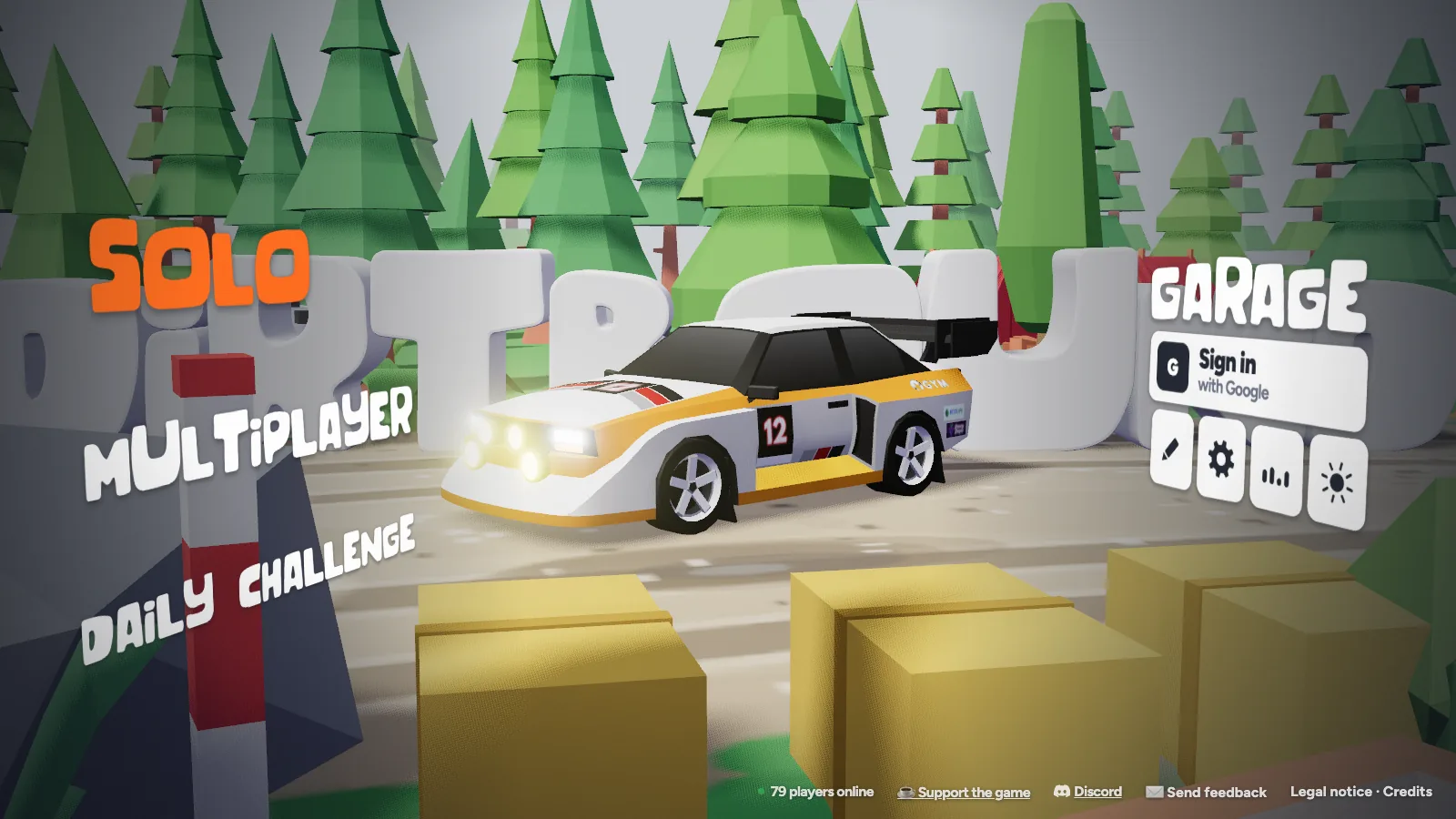
The DirtBound menu groups driving, community events, track creation, and car setup into seven areas. Here is how each one works from the game's own descriptions.
| Mode or tool | Group | Google sign-in | What you do |
|---|---|---|---|
| Solo: Stage | Play alone | Not required | Drive a generated mountain road by number, length, landscape, and season |
| Solo: Circuit | Play alone | Optional (needed for leaderboards) | Set timed laps on Official, Community, Recent, own, or Weekly vote tracks |
| Daily challenge | Daily ranked | Required for leaderboard | Complete one daily named circuit or set-length stage on a daily leaderboard |
| Multiplayer: Classic | Play with others | Required | Pure racing for up to 8 players with host rules and lobby track voting |
| Multiplayer: Experimental | Play with others | Required | Circuit races for up to 8 players with "?" power-up boxes and forced collisions |
| Circuit editor | Build tracks | Required to publish | Draw custom closed circuits from templates or SVG paths and publish them |
| Garage & photo mode | Setup & camera | Not required | Pick from 18 vehicles and 5 liveries per rally car; shoot paused free-cam photos |
Solo stages and circuits let you drive immediately without an account; leaderboards, multiplayer, weekly voting, and track publishing ask for a Google sign-in and a 2 to 20 character username.
How do solo driving, the Daily challenge, and the Garage work?
Every single-player activity sits inside four connected areas: procedural stages, timed loops, the daily ranked board, and your vehicle and photo setup.
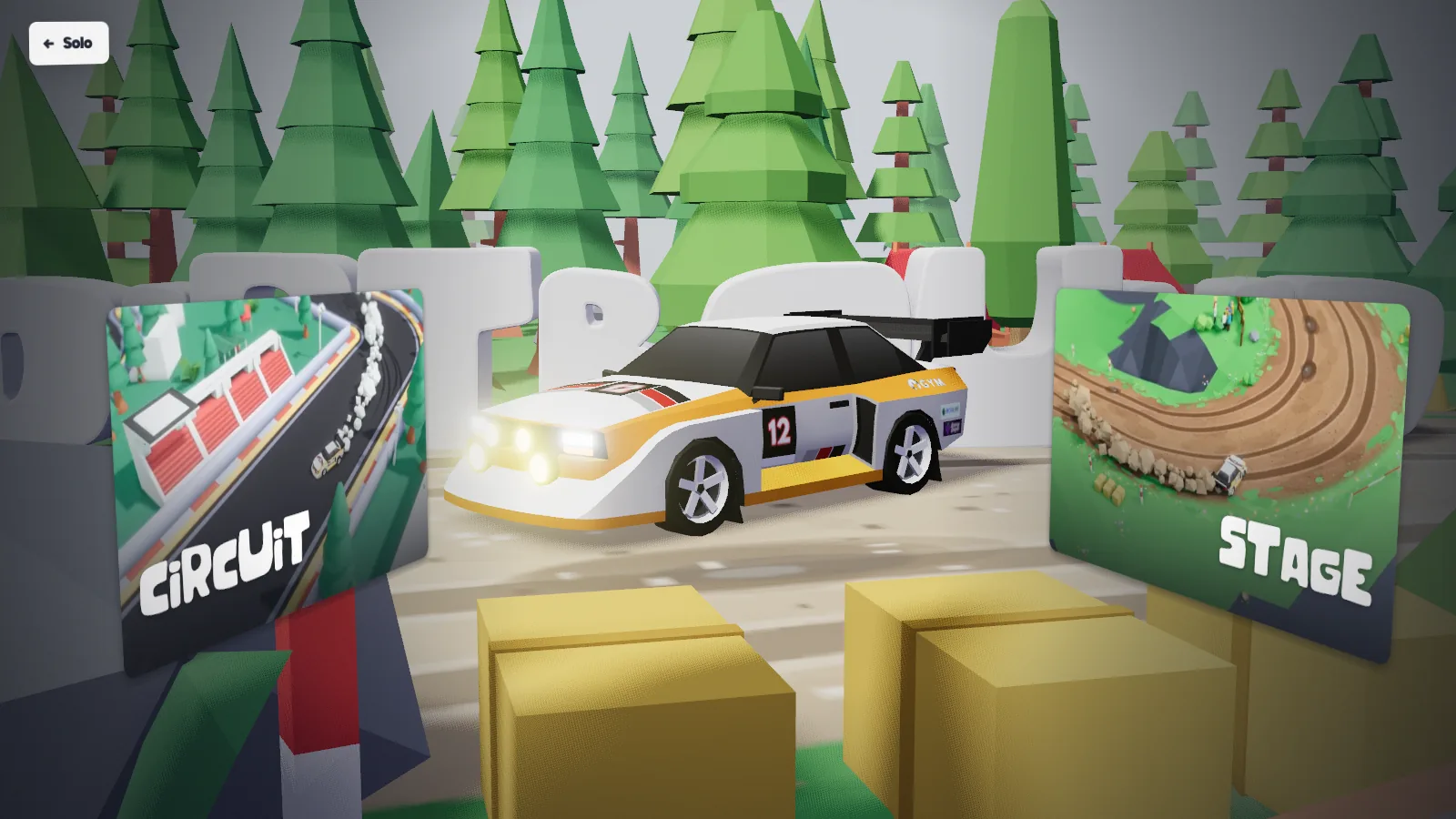
Solo: Stage (procedural rally roads)
- Generates a point-to-point mountain road identified by a stage number.
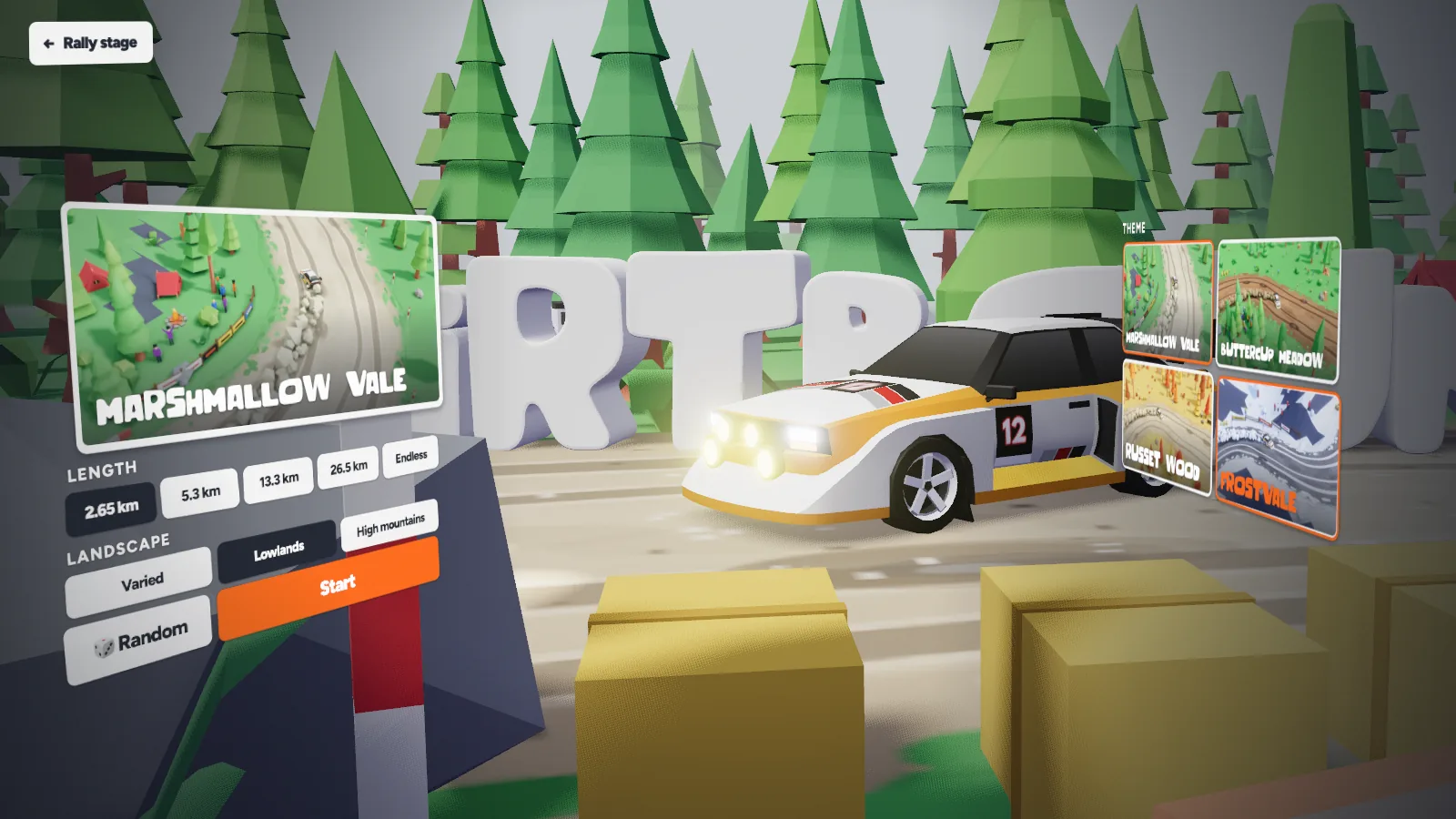
- Lets you set the length—including Endless—choose Varied, Lowlands, or High mountains terrain, and pick one of four seasonal settings: Buttercup Meadow (spring), Marshmallow Vale (summer), Russet Wood (autumn), or Frostvale (winter), or roll the dice for a random setup.
- At the finish screen you can either replay the exact same stage number or draw a new one.
Solo: Circuit (laps & ghost cars)
- Sorts closed tracks under five tabs: Official, Community, Recent, your own tracks, and the Weekly vote.
- Tracks have individual leaderboards and a ghost car you can toggle in the pause menu between the online record, your own best, or off.
- Laps driven with the booster enabled do not count toward leaderboard records.
Daily challenge (one daily ranked run)
- Rotates one ranked challenge each day, set as either a named circuit or a stage with a fixed length.
- Uses its own separate daily leaderboard rather than mixing scores into regular circuit boards.
- Requires a Google sign-in and username to record your time on the leaderboard.
Garage and photo mode
- The Garage holds 18 vehicles: 17 rally cars (each with 5 liveries) plus a pick-up truck.
- Photo mode opens from the pause menu with a free camera and adjustments for aperture, focus, shutter speed, exposure, and colour grading.
- Photo mode lets you save the resulting image directly.
How do the Circuit Editor, Weekly Vote, and Multiplayer connect?
Instead of sitting in isolation, DirtBound's track builder feeds directly into Solo Circuit tabs and Classic multiplayer lobbies.
-
Build a loop in the Circuit Editor
Click to place points and watch the road follow, or begin with Oval, Bean, Kart, or Grand prix templates or an imported SVG path. You can sculpt terrain, paint forest, bank corners, raise the road on piers, and set the time of day.
-
Close, test, and publish for everyone
Once the circuit forms a closed loop and passes testing, signed-in players can publish it so it appears for every player.
-
Compete in the Weekly Vote
Signed-in players vote in the Weekly vote tab, where one player-made circuit is promoted to Official status.
-
Race custom tracks with friends online
In 8-player Classic multiplayer, lobby votes put circuits created by players in the room alongside a random stage and a random circuit—while Experimental mode turns circuits into collision-on item battles.
Which Dirtbound game mode should a beginner play first?
Judging strictly by the mode rules inside DirtBound, Solo: Circuit and Solo: Stage are the cleanest starting points because neither requires a Google sign-in and neither puts other cars or homing items on the road. If you want to learn braking lines and handbrake slides on one predictable road, start in Solo: Circuit, open the pause menu, and set the ghost car to off or your own best—the game itself points out that chasing your own best is the gentler way to learn a circuit, and pressing R rewinds you to 5 seconds before the start line if you miss a corner.
If you would rather explore changing scenery right away without memorizing laps, start in Solo: Stage. Pick a finite length rather than Endless, and use the result screen to replay the same stage number once you see how the road flows. Keep two rules in mind as you practice: on a stage, pressing R puts you back on the road at a time cost, and on any circuit, laps driven with the booster will not be recorded on leaderboards.
Once you are comfortable keeping the car on the dirt—since hitting a spectator, leaving the road, and getting stuck are all flagged—step up to the Daily challenge or Multiplayer: Classic before trying Experimental. Classic lets the host disable collisions while players vote on tracks, whereas Experimental leaves collisions permanently on and fires Rockets, Lightning, and Turbo items across the field.
Dirtbound game modes FAQ
What is the difference between Stage and Circuit in Dirtbound?
Solo: Stage generates a point-to-point mountain road identified by a stage number, with selectable length (including Endless), landscape, and season. Solo: Circuit runs timed laps on closed Official and Community loops with per-circuit leaderboards and ghost cars.
Do you need an account for every Dirtbound game mode?
No. Solo stages and circuits work without signing in. You only need a Google sign-in and a 2 to 20 character username to appear on leaderboards, play multiplayer, vote in the weekly circuit poll, or publish a circuit.
What can you edit in the Dirtbound Circuit Editor?
You can place road points by clicking, start from Oval, Bean, Kart, or Grand prix templates, import an SVG path, sculpt terrain, paint forest, bank corners, raise the road on piers, and set the time of day.
Why did my Circuit lap time not count for the leaderboard?
DirtBound does not count laps driven with the booster toward circuit records, and posting to online leaderboards also requires signing in with Google.
Which Dirtbound mode is simplest for a first run?
Based on each mode's rules, Solo: Circuit with the ghost set to off or your own best—or a short Solo: Stage—is the simplest start because no sign-in is required and there are no opposing cars or power-ups.